Expona
Context-trained AI agent delivering noise-free, cost-efficient conversational intelligence


 expona
If you have been working on Salesforce for a while, you will agree with me that no matter what application you build, importing large amount of data in Salesforce comes with its own set of challenges. This problem is compounded when you need to import multilingual data, and you can only imagine the magnitude of the problem when you are importing large amount of multilingual data!
I had this feeling last week, when I needed to important approximately 60,000 records in…hold your breath…five different languages: Vietnamese, Cantonese, Thai, Japanese and Korean! These languages have special Unicode characters, making my already unenviable task even more cumbersome. Some of my peers sympathized, some even sniggered!
To say that importing Unicode characters is difficult would probably be the understatement of 2015! The normal data import process of using Data Loader or the use of native Salesforce Import/Export Wizard does not work directly in an efficient manner for multilingual data, especially for Unicode characters. You can still import data in Salesforce using either of these approaches. However, most of the Unicode characters are converted into #,? and other random characters, thereby compromising the correctness of data imported.
So how did I wade through this labyrinth?
Before I take you through this easy 6-step process, there’s one thing you’ll need ready with you: an Excel worksheet consisting of the multilingual data containing the Asian characters that you need imported in Salesforce.
To give you a perspective, I have included snapshots of how it appears within Salesforce with and without encoding.
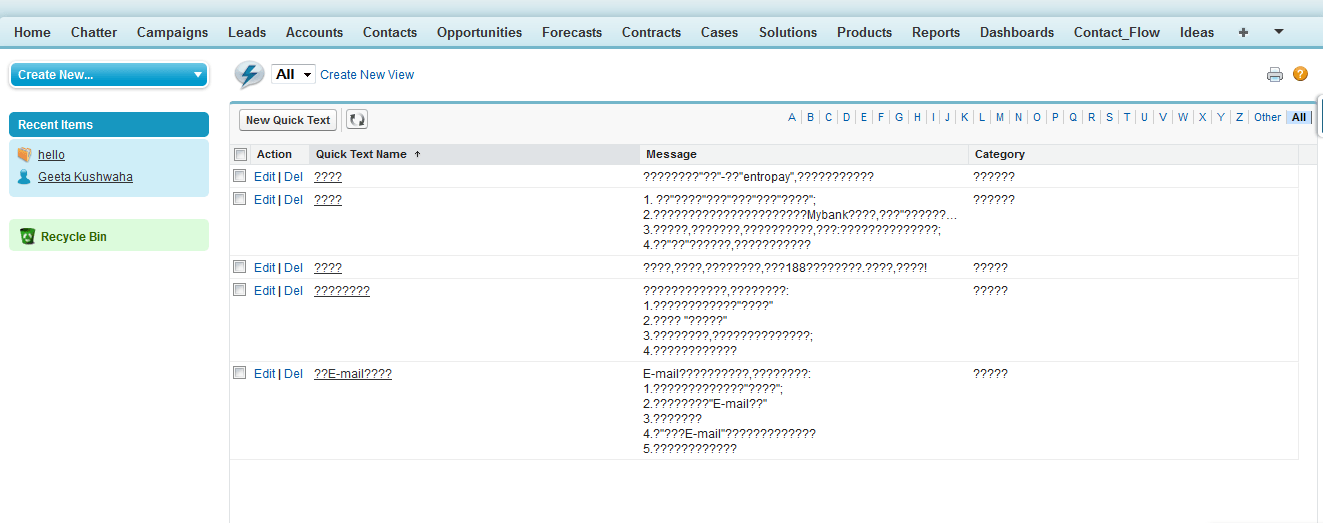
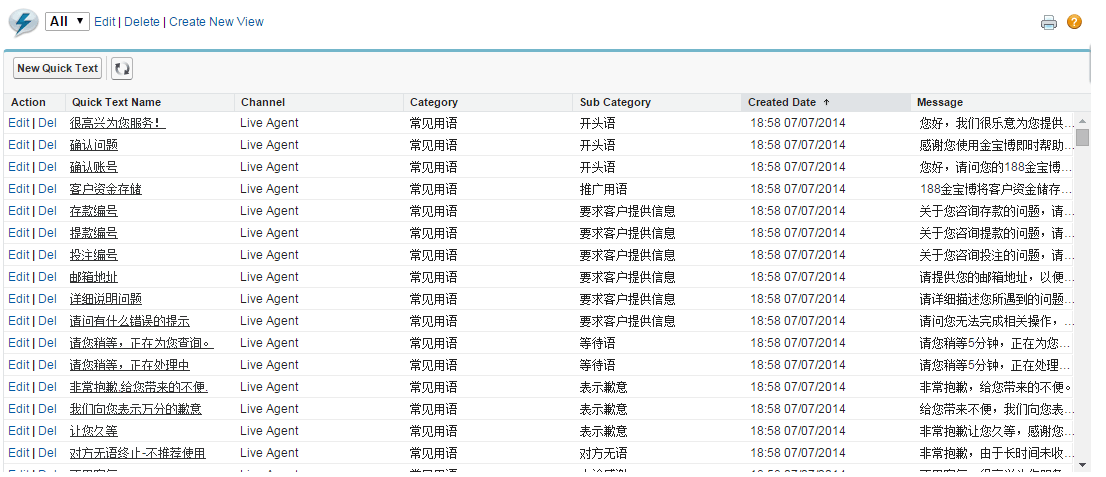
What a wonderful thing encoding is, isn’t it? So go on, try this out. I am sure all those sleepless nights when your imported data turned out to be totally screwed up will be a thing of past now!
Reference: How to import Asian characters from a CSV file into Salesforce

Context-trained AI agent delivering noise-free, cost-efficient conversational intelligence

We offer functional, technical, and implementation support, minimizing disruptions to your operations.

AI or Gen AI, consulting, development or model building. You ask for any of them. We will deliver.
Insights from our team of experts who deliver digital software day in and day out.
 Thank you for signing up!
Thanks a lot for your interest. You are already a subscriber. You will receive your first newsletter soon.